

Skip to content

Digital Banking for Business Accounts
Account History and Exports 

Easily track your transaction history and export account information to help support your bookkeeping and business records.
Helpful Business Payment Tools

Updated tools to help support ACH, transfers, and other business payment needs.

Enhanced Security Features

More multi-factor authentication options and security alerts to help protect your business accounts and support safer digital banking.
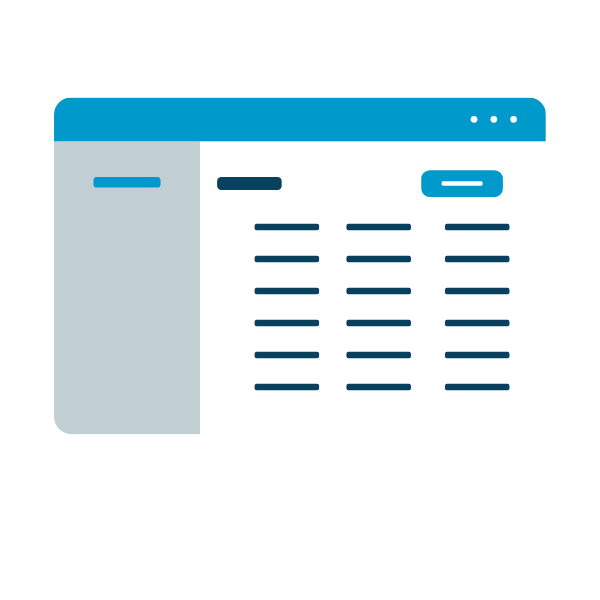
Customizable Business Dashboard

View your business accounts in a refreshed dashboard designed to make account information easier to find, organize, and manage.

Card Controls

Take control of your business debit and credit cards anytime. You can lock or unlock your card, set location-based controls, and manage spending limits directly in digital banking.

Business Account Frequently Asked Questions

Business Account Banking FAQs

What if I currently have a personal and a business username?

You can continue logging in with both your personal and your business usernames.

Will my login credentials change?

No. You’ll continue using your current username and password. However, if your current password does not meet the complexity requirements, you may be prompted to create a new one.

Will existing users transfer automatically?

Yes. All existing users will transfer over to the upgraded platform.

Will there be any downtime?

Yes. As we move to the new digital banking platform, there will be a planned period when digital banking is temporarily unavailable. We’ll share more details about timing and what to expect as we get closer to the upgrade.

Once the upgrade is complete, please log in and review your users, accounts, and activity.

If you send ACH transactions, those ACH templates and receipts are expected to transfer, but we recommend reviewing everything carefully after the upgrade.

Will business alerts and notifications transfer?

No. Alerts and notifications won’t carry over and will need to be re-established in the new platform.

Do business users need a new mobile app?

No, you will not need to download a new mobile app. You may, however, need to update your existing app. If automatic updates are enabled on your device, no action will be needed. If automatic updates are not enabled, you will be prompted to update your app the first time you launch it.

Will ACH templates and recipients transfer to the new platform?

Yes, ACH templates and recipients will transfer to the new platform.

Will Quicken or QuickBooks access be affected?

If you use the direct connection option, where you enter your digital banking login credentials directly in Quicken/QuickBooks, you may need to update your credentials to sync your accounts and transactions after the upgrade. If you download your transactions, you will continue to have the download option in the new platform.

Bill Pay FAQs

Will my Business Bill Pay Payees transfer to the new platform?

Yes. Your Bill Pay payees will all transfer to the new platform.

Will my scheduled and recurring Bill Payments transfer to the new platform?

Yes. All scheduled and recurring Bill Payments will transfer over to the new platform.

Will Bill Pay have any downtime?

Yes. Bill Pay will have a temporary scheduling pause during the final transition to the new digital banking platform. Previously scheduled Bill Pay transactions are expected to process as planned, but members may be unable to schedule new payments for a short period before the upgrade is complete.

We’ll share more details about timing and what to expect as we get closer to launch.

Will business Bill Pay transactions be paused?

Any previously scheduled Bill Pay transactions should still be processed as planned. However, there will be a short window of time when you won’t be able to schedule new payments until after the upgrade is complete.

You are now leaving Maps Credit Union

Modal called incorrectly.