
Skip to content

Digital Banking for Personal Accounts
Credit Score 

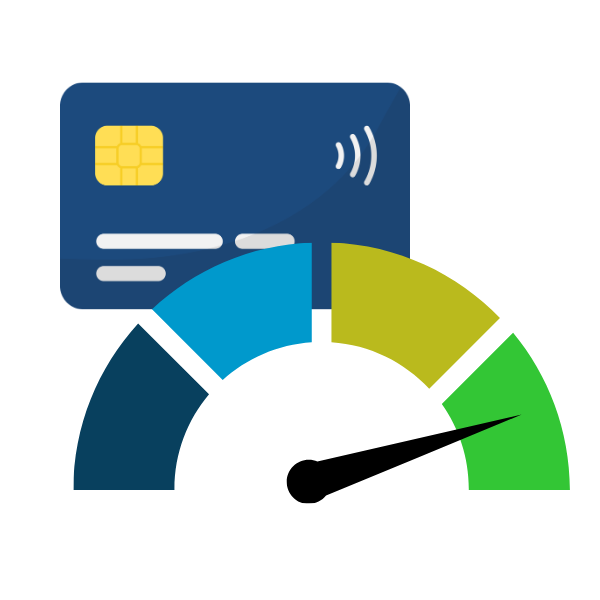
Easily track your financial health with your credit score built right into digital banking. Get real-time access to your credit score, view your full credit report receive helpful alerts, and explore personalized recommendations and financial wellness tools designed to help you make informed decisions.

Member-to-Member Transfers

Sending money to another Maps member is fast and easy in digital banking—no account numbers needed. This new feature allows you to securely send or receive funds using a unique code, making it simple to move money between members while keeping your information protected.

Enhanced Security Features

Choose from more multi-factor ways to verify your identity and stay informed with helpful security alerts. It’s added protection designed to fit the way you bank.
Personalize Your Dashboard

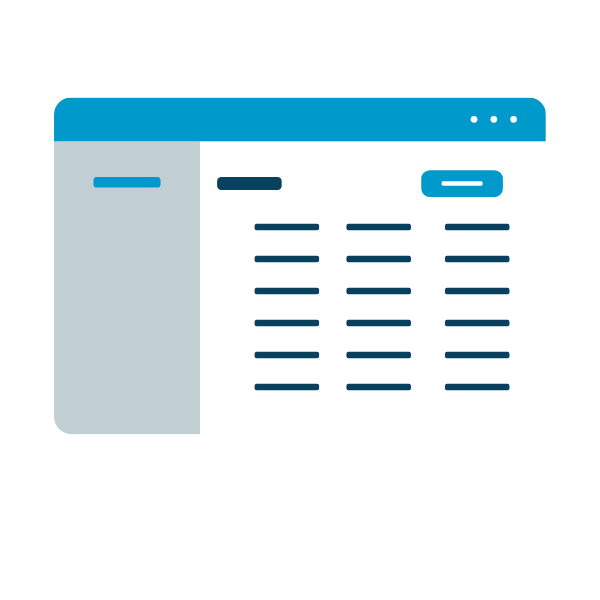
Customize your dashboard to work the way you want. At a glance, you’ll see all of your Maps accounts, including any accounts where you are an owner or joint owner. You can hide, rearrange, and organize accounts and features so the information you use most is front and center.

Card Controls

Take control of your debit card anytime. You can lock or unlock your card, set location based controls, and manage spending limits directly in digital banking. It’s flexible, secure, and built around you. 

Frequently Asked Questions

Do I need to re-enroll in online banking?

No. If you currently use online banking, you will not need to re-enroll. You may, however, need to reset your password the first time you log in.

Will my password change?

No. In most cases, you’ll use your current username and password the first time you log in to the upgraded system. However, if your password does not meet the new complexity requirements, you may be prompted to create a new one.

Tip: After updating your password, be sure to also update it in any other apps or services connected to your Maps account so everything continues working smoothly.

What if I forgot my username or password?

If you are unsure of your username or password, we recommend logging in to the current system before the upgrade and using the “Can’t sign in?” link to recover your username or reset your password. This will help make your first login to the upgraded system smoother. After the upgrade, the new login screen will also include a reset options for forgotten usernames and passwords.

Will my username change?

No, you can continue using your current username.

Will I need to download a new mobile app?

No. You will not need to download a new mobile app. You may, however, need to update your existing app. If automatic updates are enabled on your device, no action is needed. If automatic updates are not enabled, you will be prompted to update your app the first time you launch it.

Do I need to log in from a computer the first time?

No. You can log in from a desktop. mobile device. or tablet.

Will my eStatement history transfer?

Yes. You will continue to have access to 24 months of eStatement history.

Will my account view change?

Yes. The layout will have an updated look and feel. Your accounts will be organized within the new dashboard.

Will my account nicknames stay?

Yes. Your account nicknames will appear in the upgraded app.

Can I hide accounts I don’t want displayed?

Yes. The new system allows you to organize the account list within your dashboard, so you can sort your accounts in any order you like.

But, if you previously hid accounts, you’ll need to hide them again after the upgrade.

Can I still use Mobile Deposit?

Yes. Mobile Deposit will still be available.

Will my Bill Pay information transfer?

Yes. Your Bill Pay information will transfer to the new system, but the Bill Pay area will have a refreshed look

After the upgrade, please review your payees and scheduled payments to confirm everything is correct.

Will my account alerts transfer?

No. You will need to set up new alerts.

Will my external accounts transfer?

Yes. Your external accounts will transfer automatically.

Will my scheduled transfers carry over?

Yes. Scheduled transfers will carry over, but please be sure to review your scheduled transfers after the upgrade to make sure everything is correct.

Will my transaction history transfer?

Yes. You will still be able to see your account transaction history.

Will I still be able to use Quicken with my accounts?

Yes, you can still use Quicken and QuickBooks. You will continue to have the option to download transactions to a file or log into Quicken/QuickBooks and directly sync your accounts with your login credentials.

You are now leaving Maps Credit Union

Modal called incorrectly.